Few things wreck a travel budget faster than coming home to a surprise phone bill. The good news: staying connected abroad has never been easier or cheaper, as long as you plan for it before you leave. Here is how to keep your maps, messages and boarding passes working overseas without paying more than you need to.
Step 1: Check what your current plan already includes
Before you buy anything, log in to your carrier’s app or website and look up its international options. Some plans include data and texting in certain countries at no extra cost, others offer a flat daily pass, and some charge steep pay-as-you-go roaming rates. Knowing which one you have tells you whether you need a backup plan at all.
- Included roaming: often the simplest choice, though speeds may be slowed.
- Daily passes: convenient for a short trip, but they add up quickly on longer ones.
- Pay-as-you-go: the one to avoid. Turn off data roaming if this is all you have.
Step 2: Consider a travel eSIM
An eSIM is a digital SIM built into most recent smartphones. Instead of hunting for a SIM card shop at the airport, you buy a data plan online, scan a QR code or install it through an app, and your phone connects to a local network when you land. Your regular number can stay active for calls and texts while the eSIM handles data.
A few things to check before you buy:
- Is your phone eSIM-compatible? Most flagship phones from the last several years are, but some budget and older models are not. Your phone’s settings will show an option to add an eSIM if it is supported.
- Is your phone unlocked? A phone locked to your carrier may refuse a different provider’s eSIM. Ask your carrier to unlock it well before your trip.
- Data only or calls too? Many travel eSIMs are data-only, which is fine if you use WhatsApp, FaceTime or other apps for calls.
- Coverage and validity: regional plans that cover several countries can be handy for multi-stop trips.
Install the eSIM at home on Wi-Fi, but only switch it on when you arrive, since some plans start their validity clock from the first connection.
Step 3: Local SIM cards still have a place
If your phone does not support eSIM, a physical local SIM is often the cheapest way to get a lot of data, especially on longer stays. Expect to show your passport when you buy one in many countries, and keep your home SIM in a safe spot (a small zip bag in your wallet works well).
Traveling within Europe
If you have a SIM from an EU country, the EU’s “roam like at home” rules let you use your plan in other EU countries without extra roaming charges, and those rules were extended through 2032. Fair-use limits can apply, so read the fine print. Visitors from outside Europe do not get this benefit automatically, so plan on a travel eSIM or a local SIM for trips to cities like Paris or Rome.
Use less data without trying
The cheapest data is the data you never use. A few settings changes can stretch even a small plan across a whole trip:
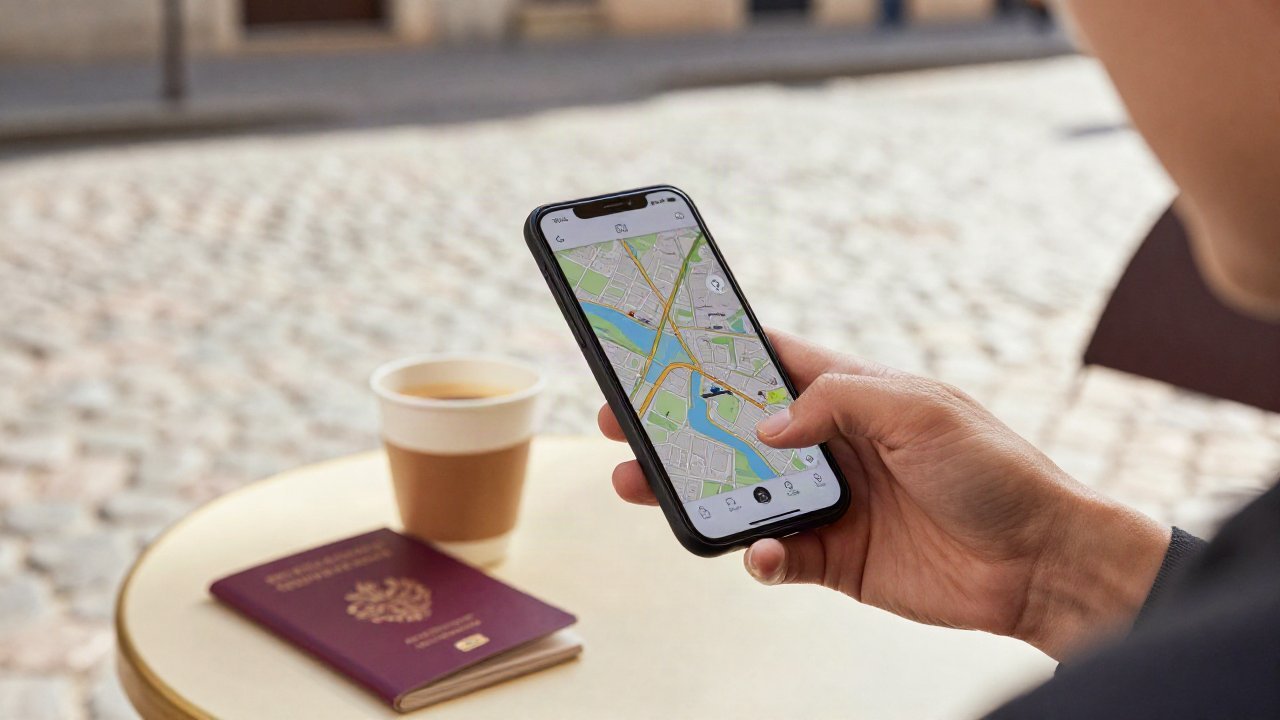
- Download offline maps for every city you will visit before you leave home.
- Turn off automatic app updates and cloud photo backups unless you are on Wi-Fi.
- Download playlists, podcasts and shows ahead of time instead of streaming.
- Turn on your phone’s low data mode to limit background activity.
- Save boarding passes and hotel confirmations as screenshots or in your wallet app so you can reach them offline.
Make smart use of Wi-Fi
Hotels, cafes, airports and many train stations offer free Wi-Fi, and it is perfect for big downloads and video calls home. When you compare stays on our hotel search, look for free Wi-Fi in the amenities list. On public networks, avoid logging in to banking sites, and consider a reputable VPN for extra privacy.
Pack the small gear that keeps you connected
A dead battery makes the best data plan useless. A compact power bank and a universal travel adapter are two of the most useful items you can pack. Browse options in our travel gear section, and see our carry-on packing list for where they fit in your bag.
A quick pre-trip checklist
- Check your carrier’s international options and costs.
- Confirm your phone is unlocked and supports eSIM.
- Buy and install a travel eSIM, or plan where to buy a local SIM.
- Download offline maps, entertainment and travel documents.
- Turn off data roaming on your home line if it charges per use.
- Charge your power bank and pack the right plug adapter.
Once your phone is sorted, the rest of the trip gets easier. Start planning your next getaway with our flight search.
Prices, schedules and availability change often and come from third-party providers, so confirm details before you book. Some links on this site are affiliate links; see our affiliate disclosure.